Layer 06 · AI
AI-ready ELV design
AI is not a separate system you buy at the end. It runs on the cameras, sensors, controllers and network of the other five layers, so it has to be planned with them. We design every layer so it can use AI now, or adopt it later without opening walls.
- Video analytics
- Occupancy and daylight
- Fault prediction
- Voice and meeting rooms
- Privacy by design
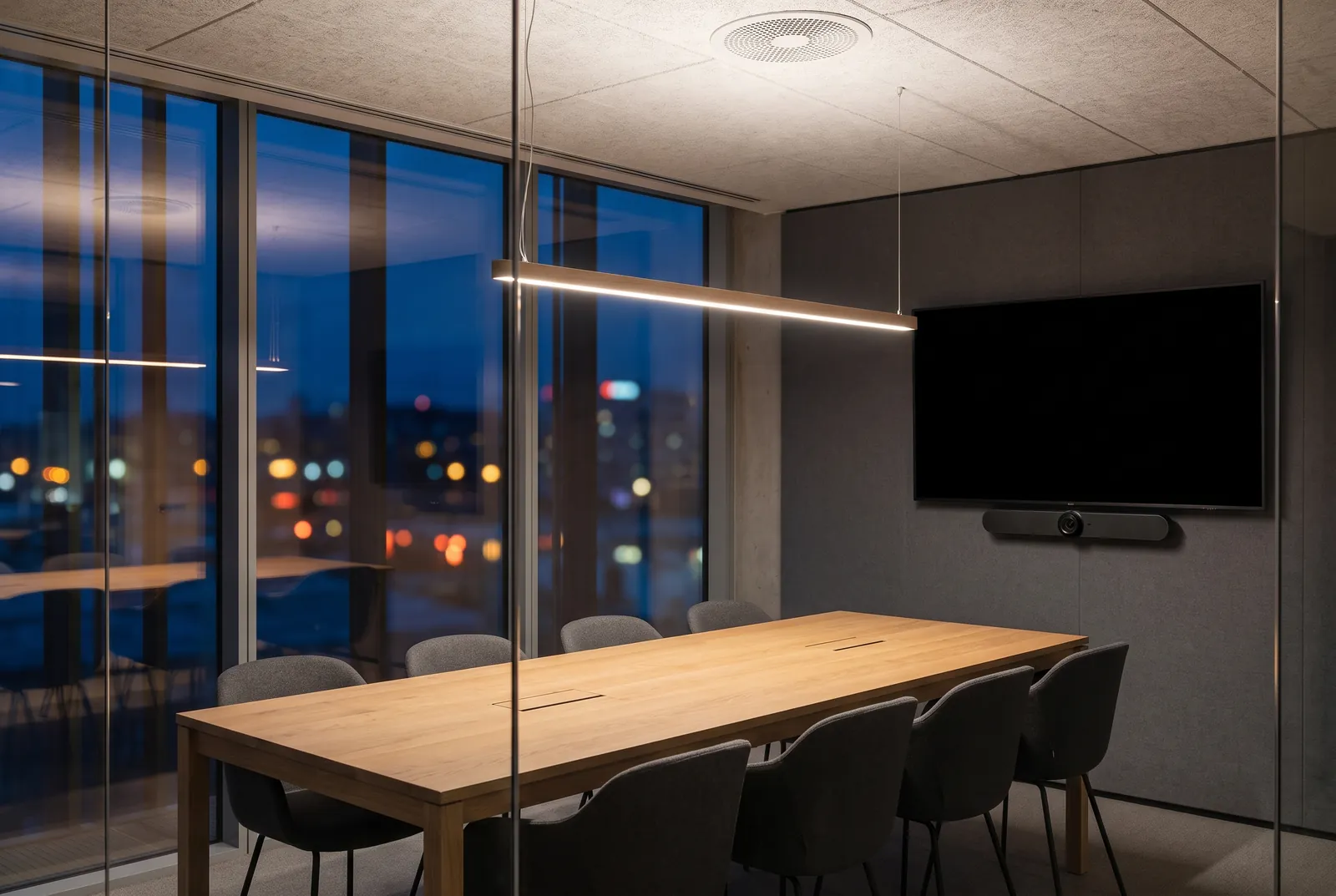
01Planned, not added
AI depends on decisions made at the first drawing, not on what is bought at the end.
AI is moving into the systems we design: cameras that understand what they see, lighting and air conditioning that learn how a space is used, building systems that warn before equipment fails, and meeting rooms that frame and hear people on their own.
All of it depends on decisions made early. Where a camera sits decides what it can recognise. Sensor density decides what a room can learn. The network decides how much video and data can be processed, and open protocols decide whether systems can share what they know. We make those decisions with the rest of the design, so the space is ready whether AI is switched on at handover or years later.
02Where the layers converge
What each layer gives AI
AI works with what the other five layers capture. Choose what the space should do to see which sensors feed it, how the data travels and which layer acts on the result.
See. The gate cameras, door contacts and perimeter beams of the security layer send video and events over the network. Analytics tell a visitor from an intruder and a vehicle from a passer-by, and raise an alert only when it matters. It works because the cameras were placed for it.
- See
- Video analytics that tell a visitor from an intruder and a vehicle from a passer-by, with alerts only when it matters.
- Learn
- Occupancy and daylight patterns that drive lighting and climate, saving energy without anyone touching a switch.
- Predict
- Data from the building management system that flags pumps, chillers and other plant before they fail.
- Listen
- Voice control at home, and meeting rooms that pick up the right person and remove the noise.
- Protect
- Privacy planned in: what is captured, where it is processed and who can see it, decided before any camera goes up.
- Choose freely
- AI features are often locked to one brand. We compare them on what they do for your space, not whose logo is on the box.
03Decided at the first drawing
Where a camera sits decides what it can recognise
Most of what AI can do is settled long before anyone chooses an AI feature: by where things are mounted, how many there are, how they are connected and whether they can talk to each other. The same camera, drawn in two places:
Too high, too steep
From high on the wall the camera looks down on the top of a head. No analytics can recognise a face the camera never sees.
Planned height and angle
Mounted at a planned height and aimed along the approach, the same camera sees faces at a shallow angle. Its conduit and bracket were drawn into the wall before it was built.
-
Camera position
Where a camera sits decides what it can recognise. Height, angle and distance are fixed the day its conduit and bracket are drawn.
-
Sensor density
Sensor density decides what a room can learn. One sensor can say a room is in use; several can say where, and for how long.
-
Network capacity
The network decides how much video and data can be processed: bandwidth, power over the cable, storage and processing, with room to grow.
-
Open protocols
Open protocols decide whether systems can share what they know, so a pattern found by one layer can act on another.
04Protect
Privacy, planned before any camera goes up
Three questions are answered on the drawings, not after installation: what is captured, where it is processed, and who can see it. Step through one camera, end to end.
- Masked. Parts of a view that are never recorded, such as a neighbour’s window.
- On site. Analysis and recording on equipment inside the building.
- By role. Each person sees only what their role needs.
Captured. Each camera is aimed and masked so it records the gate and the drive, not the neighbour’s window. What is not needed is never captured.
05What you receive
Readiness you can see on the drawings
AI readiness is documented on the same base drawings as the other five layers, so a camera position, a sensor or a spare cable is agreed once and built once.
-
Sheet AI-01
Camera view study
Each camera’s position, height and field of view, checked against what it must recognise.
-
Sheet AI-02
Sensor layout
Occupancy, daylight and plant sensors placed at the density each room needs to learn.
-
Sheet AI-03
Network, storage and processing
Bandwidth, recording and processing sized for today, with marked space for later.
-
Schedule AI-04
Integration schedule
Which systems share which data, and over which open protocol.
-
Plan AI-05
Privacy and data plan
Masked areas, where video is processed and kept, and who can see what.
06Across every layer
What AI asks of the other five layers
AI-ready design is not a sixth set of equipment. It is a set of decisions inside each of the other layers, made while they are being drawn.
Light
Daylight and occupancy sensing, and circadian lighting that follows the time of day. The sensors, drivers and controls are chosen for it at the design stage.
Lighting designMedia
Meeting cameras that frame the speaker, voice pickup and noise suppression. Microphones and cameras are placed with the ceiling and the furniture.
Audio and videoSecure
Video analytics that recognise people and vehicles and cut false alarms. Camera heights, angles and night lighting are set for what each camera must recognise.
SecurityControl
Systems that learn routines, save energy and flag faults before they fail. Plant is given its sensors, and the controls open protocols, from the start.
Controls and BMSConnected
Bandwidth, storage and processing sized for the cameras and sensors AI depends on, with spare capacity marked for what is added later.
Networking
07Where AI matters most
Different spaces, different intelligence
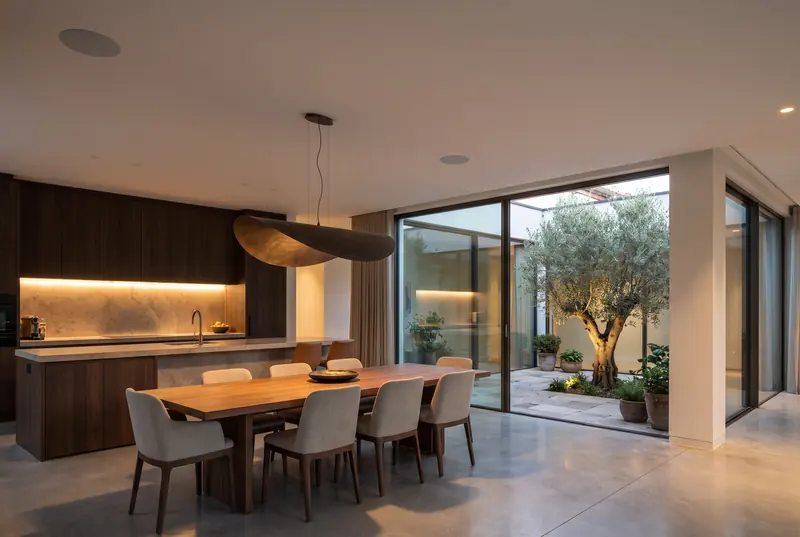
Homes
Cameras that know family from strangers at the gate, lighting that learns the household’s routine, and alerts that stay quiet unless something is wrong.
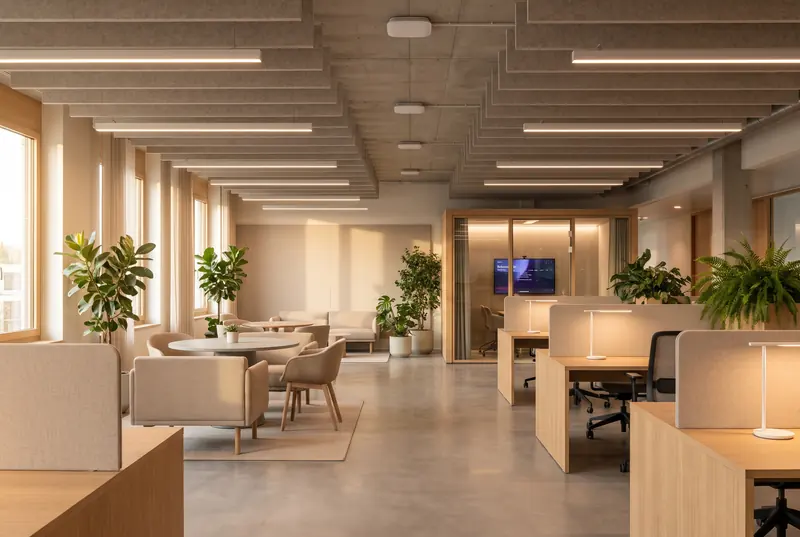
Offices
Cameras that frame whoever is speaking, noise suppression, space-use analytics and early alerts from the BMS.

Shops
Footfall counts and heatmaps, queue alerts, and loss-prevention analytics on the cameras.
08Questions
What clients ask about AI-ready design
Do we have to buy AI features now?
No. We design every layer so it can use AI now, or adopt it later without opening walls. What matters at the design stage is the groundwork: where cameras and sensors sit, the cabling and power they need, the capacity of the network, and open protocols between systems.
Which AI products do you recommend?
None by name. AI features are often locked to one brand, so we describe what each feature must do for your space and compare the vendors’ proposals against that, on what they do rather than whose logo is on the box.
How is privacy handled?
It is planned with the rest of the design: what each camera captures and what it masks, whether video is processed on site or anywhere else, how long it is kept, and who can see what. Those decisions are made before any camera goes up.
Can an existing building be made AI-ready?
Often, yes. We start from what is already installed (camera positions, cabling, the network and how open the existing systems are) and tell you plainly what can be reused and what would need to change.
Is AI-ready design only for large buildings?
No. A home benefits too: a gate camera placed to see faces, sensors that let the lighting learn the household’s routine, and a network with room for more devices. Those decisions cost little at the design stage and a lot to change later.
Next step
The earlier we join, the more we can save.
Tell us about the space and where the design stands. We will come back to you to arrange a first conversation.