Layer 04 · Control
Controls, automation and BMS
Lighting, audio and video, security, fans, air conditioners, motors and kitchen appliances all need controlling. A switch is the simplest way. Intelligence makes it better, and we design that intelligence so it stays easy to use.
- Keypads and scenes
- Sensors and timers
- Apps and voice
- Building management
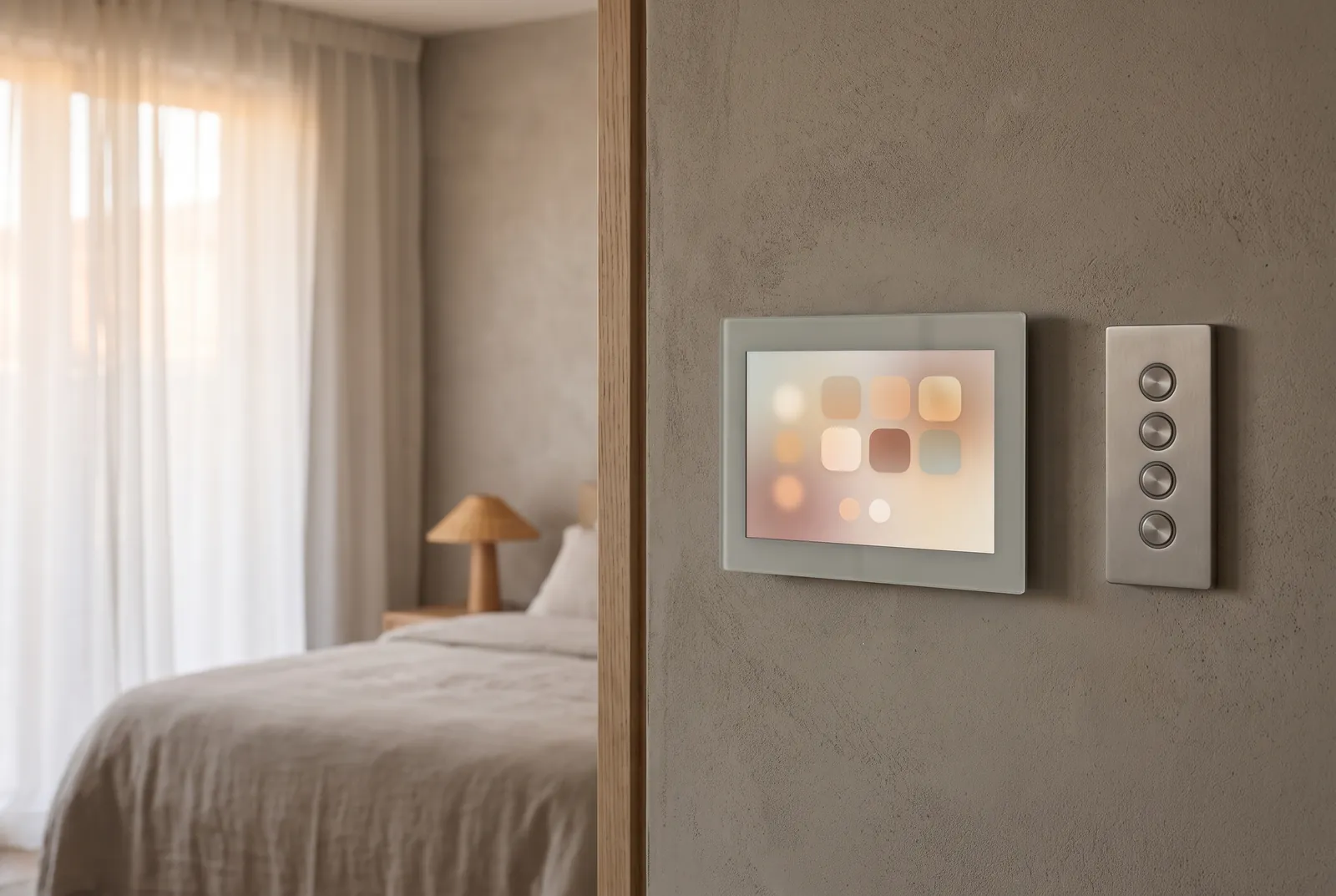
01Simple to intelligent
A switch is the simplest control. Intelligence makes the space work for the people in it, without making it harder to use.
We plan controls for the experience of using them, for energy saving and for future upgrades. Automation and building management systems connect people, processes, data and things, so the space responds to how it is actually used.
That can be as small as a timer on the compound lights, or a sensor that runs the bathroom light and exhaust. It can be a tablet that runs the whole house, a word to a voice assistant, or a building management system watching the pumps, tanks and air conditioning plant. What matters is deciding early which circuits, motors and appliances will be controlled, and from where, so the wiring, the keypads and the controller are planned before the walls are closed.
02Control schematic
One controller, many moments
Keypads, sensors, the clock, a phone or a voice assistant tell the controller what is happening. The controller decides, and drives the lights, fans, curtains, air conditioning and gate. Choose a moment to see which devices take part, and in what order.
- Sense. Keypads, sensors and the clock report what is happening.
- Decide. The controller holds the logic, the timers and the scenes.
- Act. Dimmers, relays and motor drives work the lights, fans, curtains, air conditioning and gate.
- Connect. A phone, a tablet or a voice assistant reaches the controller over the network.
Arrive home. The phone tells the controller you are nearly home. The gate opens, the drive and the foyer light up, and the living room is already cooling when the door opens.
03The ladder of control
From a switch on the wall to a building that runs itself
Each step up adds a little intelligence. Most projects use several steps at once, and we choose the right one for each room and each job.
-
Step 01
Switch
The simplest control, and an entirely manual one. Someone has to be there, and has to remember.
-
Step 02
Timer
The compound lights come on at dusk and go off at dawn, without anyone touching them.
-
Step 03
Sensor
The bathroom light and exhaust run themselves: on when someone walks in, off a few minutes after they leave.
-
Step 04
Tablet, phone and voice
Scenes for the whole house from a tablet on the wall, a phone from anywhere, or a word to a voice assistant.
-
Step 05
Building management
Pumps, tanks, chillers, energy meters and alarms on one system, watched and adjusted from one place.
04What we plan for
Planned for the people using it, the running costs and the years ahead
The experience of using it
Keypads where the hand expects them, buttons engraved in words, and scenes named after moments, so nobody needs a manual.
Energy saving
Sensors, timers and schedules switch off what nobody is using, and the air conditioning follows the rooms that are actually occupied.
Future upgrades
Spare capacity in the controller, spare cores in the cables and open protocols, so new devices can join later without new wiring.
People
Everyone in the household or on the staff can use it, and every essential circuit still works from a switch on the wall.
Processes
Opening and closing routines, timetables and hotel check-in: the controls follow how the space is run, not the other way round.
Data and things
Pumps, tanks, meters and plant connected to a building management system that records, reports and raises an alarm.
05What you receive
Drawings that show what is controlled, from where, and how
Controls are documented on the same base drawings as the lighting, security and network, so every keypad, sensor and cable is agreed once.
-
Sheet C-01
Control layout
Every keypad, sensor, touch panel and motor placed on the plan.
-
Sheet C-02
Control schematic
The controller, its modules and the bus, and what each output drives.
-
Schedule C-03
Keypad schedule
Each keypad drawn button by button, with the words engraved on it.
-
Schedule C-04
Scenes and logic
What every scene, timer and sensor does to every device it touches.
-
Sheet C-05
BMS points and plant
Pumps, tanks, meters and plant listed as points for the building management system.
06Coordinated
Controls planned with the other five layers
Control is the layer that ties the others together. Designed with them, one keypad can set the lights, the music, the curtains and the alarm in a single press.
With lighting
Circuits, dimmers and keypads designed together, so every scene the lighting design calls for can actually be recalled.
With media
A film scene that dims the room and closes the curtains when the screen comes on, from the same keypad or tablet.
With security
Leaving home arms the alarm, an alarm switches on the lights, and the gate and door locks report to the same system.
With the network
The controller, touch panels and apps given their own network and cabling, so control never depends on the guest Wi-Fi.
07Where control matters most
Different spaces, different routines
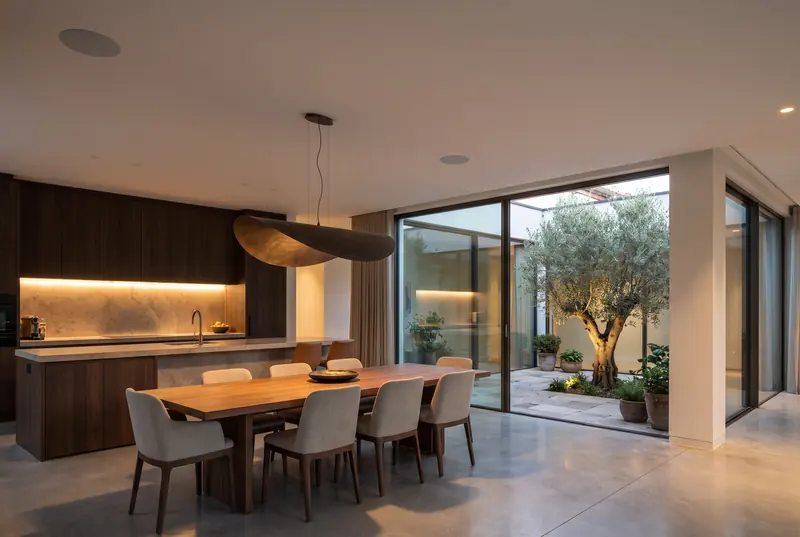
Homes
Timers for the compound lights, sensors in the bathrooms, and the whole house on a tablet or by voice.
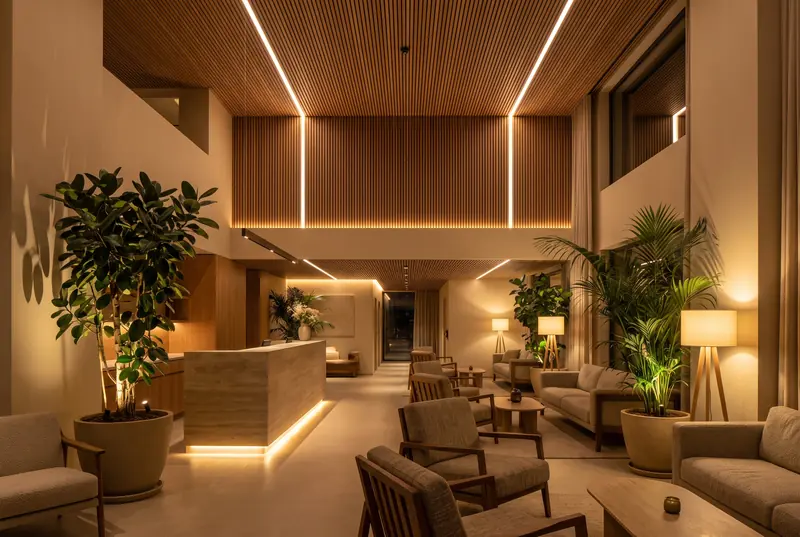
Hotels
Guest rooms that set the lights and air conditioning at check-in and save energy when they are empty.
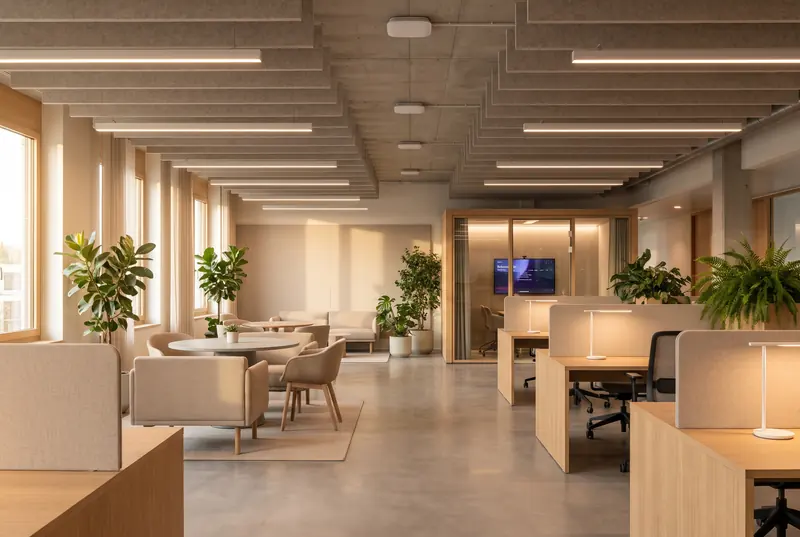
Offices
Room booking panels, lighting and cooling that follow occupancy, and a building management system for the plant.
08Questions
What clients ask about automation
Will we still be able to use ordinary switches?
Yes. We design every room so the essentials work from a keypad or a switch on the wall. Apps and voice are extra ways in, not the only way in, and the lights still work when the internet does not.
Wired or wireless automation?
Wired control is the more dependable choice in a new building, because the cables go in while the walls are open. Wireless devices suit existing buildings, where cutting into walls is not an option. Many projects use both, and we decide room by room.
What is the difference between home automation and a BMS?
Home automation is about the experience: lights, curtains, climate and media working together for the people in the room. A building management system looks after the plant: pumps, tanks, chillers, energy meters and alarms. Larger homes and most commercial buildings need both, connected.
Do you recommend a particular brand?
No. We are an independent consultancy. We specify the controls by what they must do and the open protocols they must use, then compare the vendors’ proposals against that, so the building is not locked to one manufacturer for its whole life.
Can automation be added to an existing home?
Yes, usually with wireless keypads, sensors and modules that fit the switch boxes already in the wall. We survey what is there and tell you plainly what is worth automating and what is not.
Next step
The earlier we join, the more we can save.
Tell us about the space and where the design stands. We will come back to you to arrange a first conversation.