Layer 03 · Secure
Security design
Getting everything else right means little without the right security: protecting the property, the space and the things in it, so the people inside can have their cup of tea without worry.
- Surveillance
- Door locks and access
- Intrusion detection
- Anti-theft
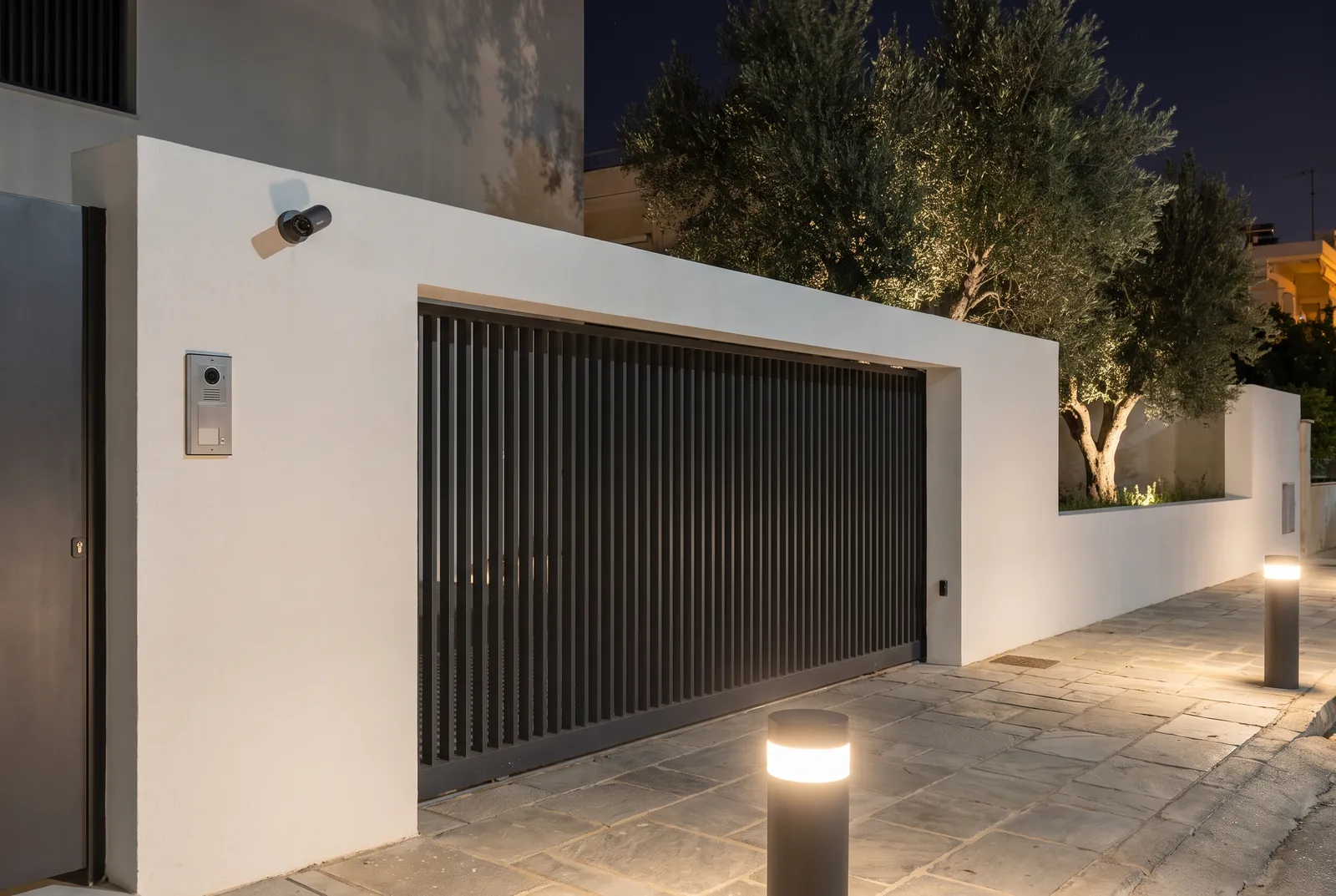
01Outside in
Most projects need several layers, and they work best when they are planned together.
Surveillance, door locks, intrusion detection and anti-theft tags each do one job. Security comes from layering them, from the compound wall to the rooms inside, so anyone who gets past one layer meets the next, and the right person knows in time.
Layering is a design decision, not a shopping list. Where the beams run decides where the cameras look. The cameras decide where the lights go at night. The doors decide which cables reach which frames, and what each lock does in a power cut. Planned at the design stage, the cables are hidden in the walls and under the paving, and every device has a reason to be where it is.
02Site plan
Four rings, from the compound wall to the rooms inside
Each ring is there to notice anyone who gets past the one before it. Choose a ring to isolate it, or watch all four work together when someone climbs the wall.
- 1 · Perimeter. Beams along the compound wall: the first warning, at the boundary.
- 2 · Landscape. Cameras over the garden, the drive and the gate, with views that overlap.
- 3 · Building. Contacts on doors and windows, readers and locks at the entries, a station at the gate.
- 4 · Inside. Motion sensors in the rooms an intruder would have to cross, armed by zone.
All four rings. Someone climbs the wall: the beam breaks, the nearest camera sees a person rather than a swaying branch, and the alert reaches the gate station while they are still in the garden.
03What we plan
Several layers, each with its own job
Surveillance
Cameras placed for a purpose: to detect at the boundary, recognise on the drive, identify at the gate and the doors. Each view is chosen, not left to chance.
Door locks and access
Who can open which door, at what time, with a card, a code or a phone, and what every lock does in a power cut or a fire.
Intrusion detection
Beams, door and window contacts, glass-break and motion sensors, armed in zones that match how the household or the business actually runs.
Anti-theft
Tags and detection gates at shop exits, protection for display cases and stockrooms, and cameras where the money changes hands.
Alerts and response
Who is told, how fast, and what happens next: a siren, lights switched on, a call to the guard, a clip sent to a phone. An alarm nobody acts on protects nothing.
Privacy and recording
What is captured, where it is stored and processed, how long it is kept and who can see it, decided before any camera goes up.
04Section B–B · Camera view
Where a camera sits decides what it can see
The same camera can tell you that someone is there, who they might be, or exactly who they are, depending on how much of the picture they fill. Each camera is placed, aimed and specified for the job its view has to do.
- Field of view. Wider sees more, narrower sees more detail. The lens is chosen for the job.
- Mounting height. High enough to be out of reach, low enough to see faces rather than the tops of heads.
- Light at night. Planned with the lighting so faces are lit, and no lamp shines straight into the lens.
Detect. Far from the camera a person fills only a sliver of the picture. Enough to know someone is there, raise an alert and start recording. Not enough to say who.
05What you receive
Drawings that show what every device is for
Security is documented with the rest of the ELV design, on the same base drawings, so every camera, sensor and lock has a cable, a power supply and a reason to be there.
-
Sheet S-01
Security layout
Every camera, beam, contact, reader and sensor placed on the plan, ring by ring.
-
Sheet S-02
Camera coverage
Each camera’s view drawn on the plan, so overlaps are planned and blind spots are found on paper.
-
Schedule S-03
Camera schedule
Every camera listed with its purpose, its view, its mounting height and the detail it must deliver.
-
Matrix S-04
Access control
Which doors, which locks, which people and which hours, agreed with the client before anything is wired.
-
Schematic S-05
System riser
Recorders, alarm panels, network and backup power, and how every device connects to them.
06Coordinated
Security planned with the other five layers
Designed alone, cameras stare into floodlights and alarms sound with nobody told. Designed together, each layer helps the others see, decide and respond.
With lighting
Perimeter and facade lighting placed so cameras see faces at night, and lights that come on when an alarm is raised.
With media
The gate camera on the television or a touch panel when someone rings, so nobody has to walk out to see who is there.
With control
One ‘leaving home’ press that arms the alarm, locks the doors, closes the curtains and switches off what was left on.
With the network
Cameras on their own secure network, with bandwidth and storage sized for recording around the clock.
07Where security matters most
Different spaces, different risks
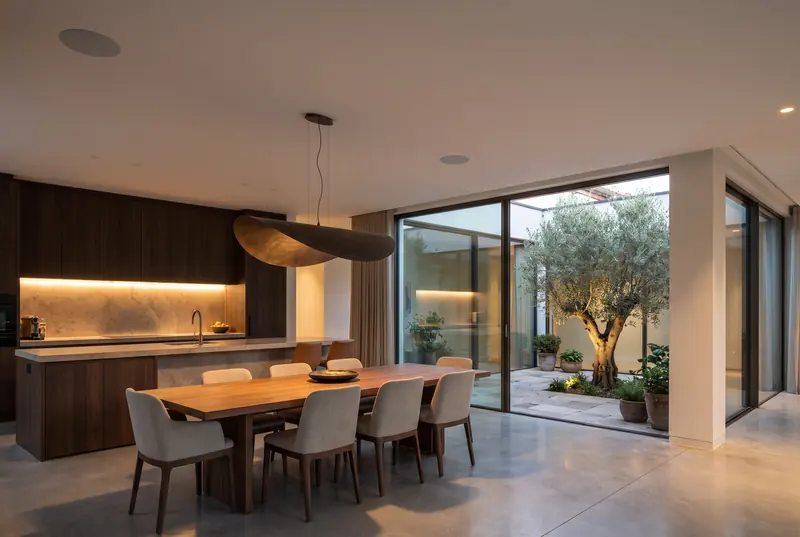
Homes
Layered from the outside in: beams on the compound wall, cameras over the landscape, and sensors inside the house.
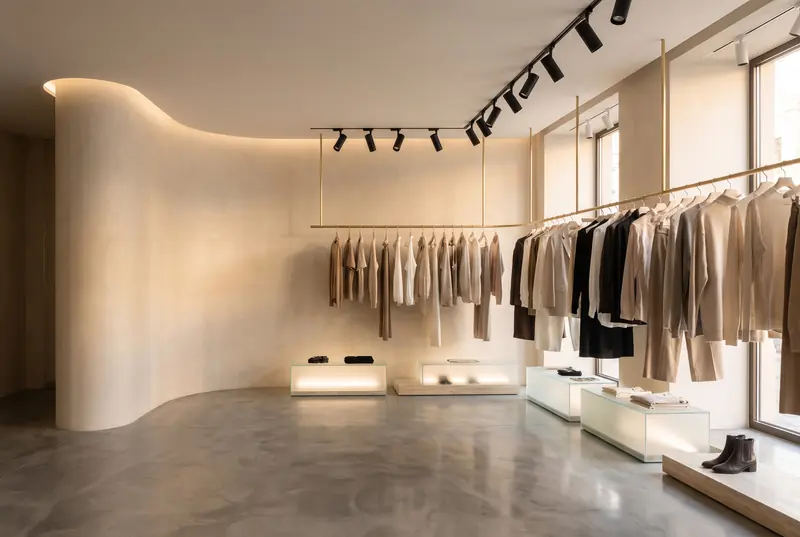
Shops
Anti-theft tags at the exits, cameras on tills and stockrooms, and intrusion alarms for after hours.
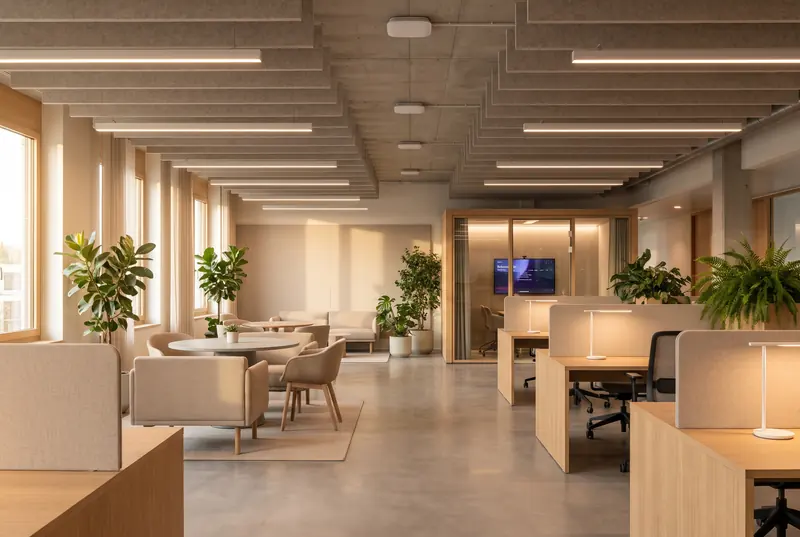
Offices and campuses
Access by floor and room, gate access for staff and students, visitor management, and cameras on entries and server rooms.
08Questions
What clients ask about security design
When should security design start?
At the architectural design stage. Cables for cameras, beams, door contacts and locks run inside walls, under paving and through door frames. Planned early, they cost a line on a drawing. Added later, they mean surface conduit or broken finishes.
Do you sell or install security equipment?
No. We are an independent consultancy. We specify every camera, recorder, lock and sensor by what it must do, compare the vendors’ proposals against that specification, and visit the site during installation to check it is done right.
What happens in a power cut, or if the internet goes down?
We plan for it: backup power for the recorders, the alarm panel and the locks, recording that carries on locally, and a clear decision for every door about whether it stays locked or releases. Doors on escape routes are always designed to let people out safely.
Will cameras make the place feel watched?
They should not. Cameras are placed for the views that matter, chosen and finished to suit the architecture, and private areas are masked or left out of view. In homes and hotels, good security feels calm, not watchful.
Can you improve an existing system?
Yes. We survey what is there, show where the gaps are, and design an upgrade that keeps what still works.
Next step
The earlier we join, the more we can save.
Tell us about the space and where the design stands. We will come back to you to arrange a first conversation.